WithMe, a social games platform for younger players on iOS and Android, through open beta
WithMe was a platform for friendship and shared experiences developed by Together Labs based in California’s Silicon Valley. The platform was designed with the intent of being a safe metaverse space for younger players to hang out, customize their unique avatars, share YouTube videos and UGC, and play mini-games together. I worked on the beta build of the product that eventually released in the North American markets for open testing.
I was a senior UX designer on a team that also included two product designers and a design director. My responsibilities included research, high-level feature, visual, interaction, and motion design, among other contributions. I was also responsible for implementation in Unreal Engine’s UMG UI Designer, and was able to greatly streamline and expedite design team process by creating dynamically customizable UI widgets in UMG.
High-level Feature and Interaction Design
Due to the small nature of our design team while I was originally hired and tasked with Gameplay design and implementation I also helped out with parts of the overall app design referred to as Platform. Some of what that entailed included high-level feature and interaction design, like what happens when certain player actions are performed and what is displayed or impacted when this happens.
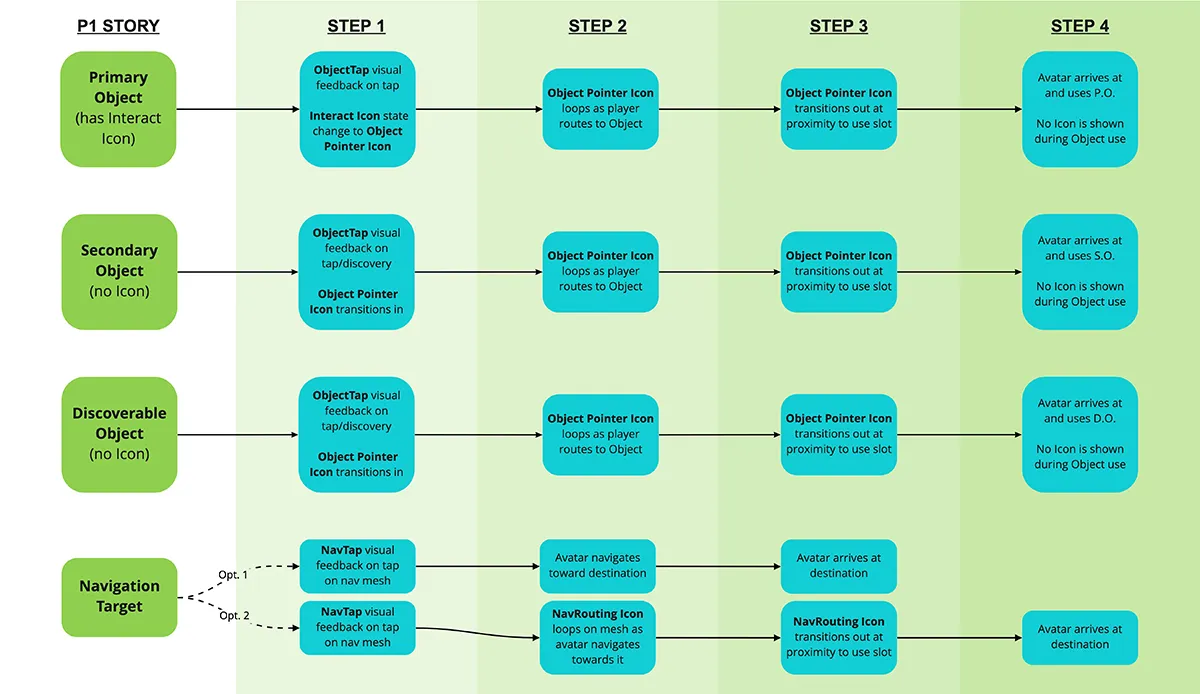
Below is an example of interaction design and behavior for what two players might see on their individual devices while navigating and interacting with objects throughout the shared game world. As the experience is intended for synchronous multiplayer, considerations were needed to visually represent states and appearances of a number of game elements for all players at any given time.
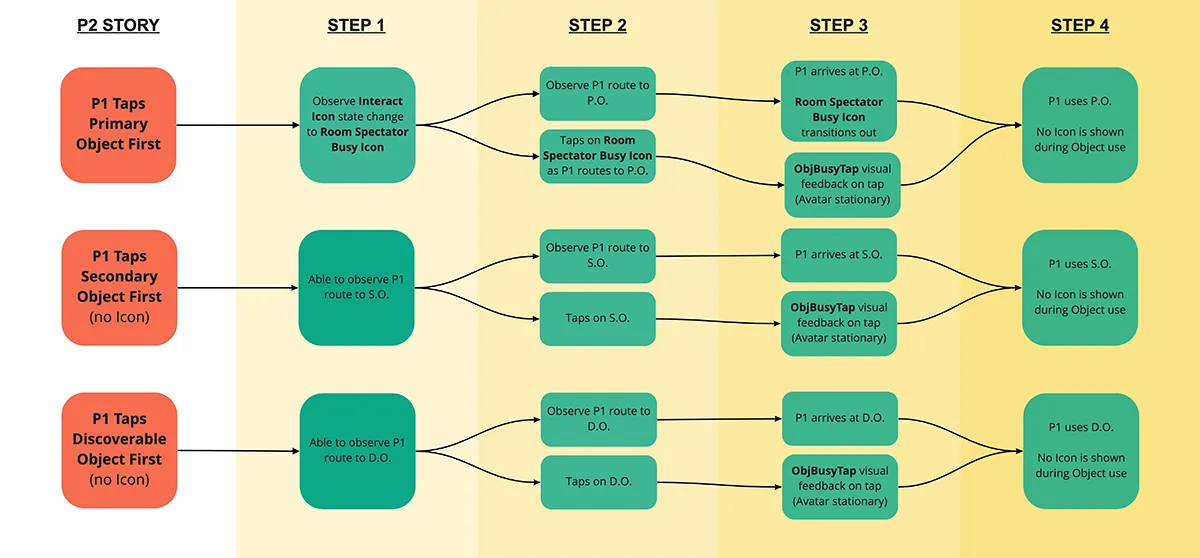
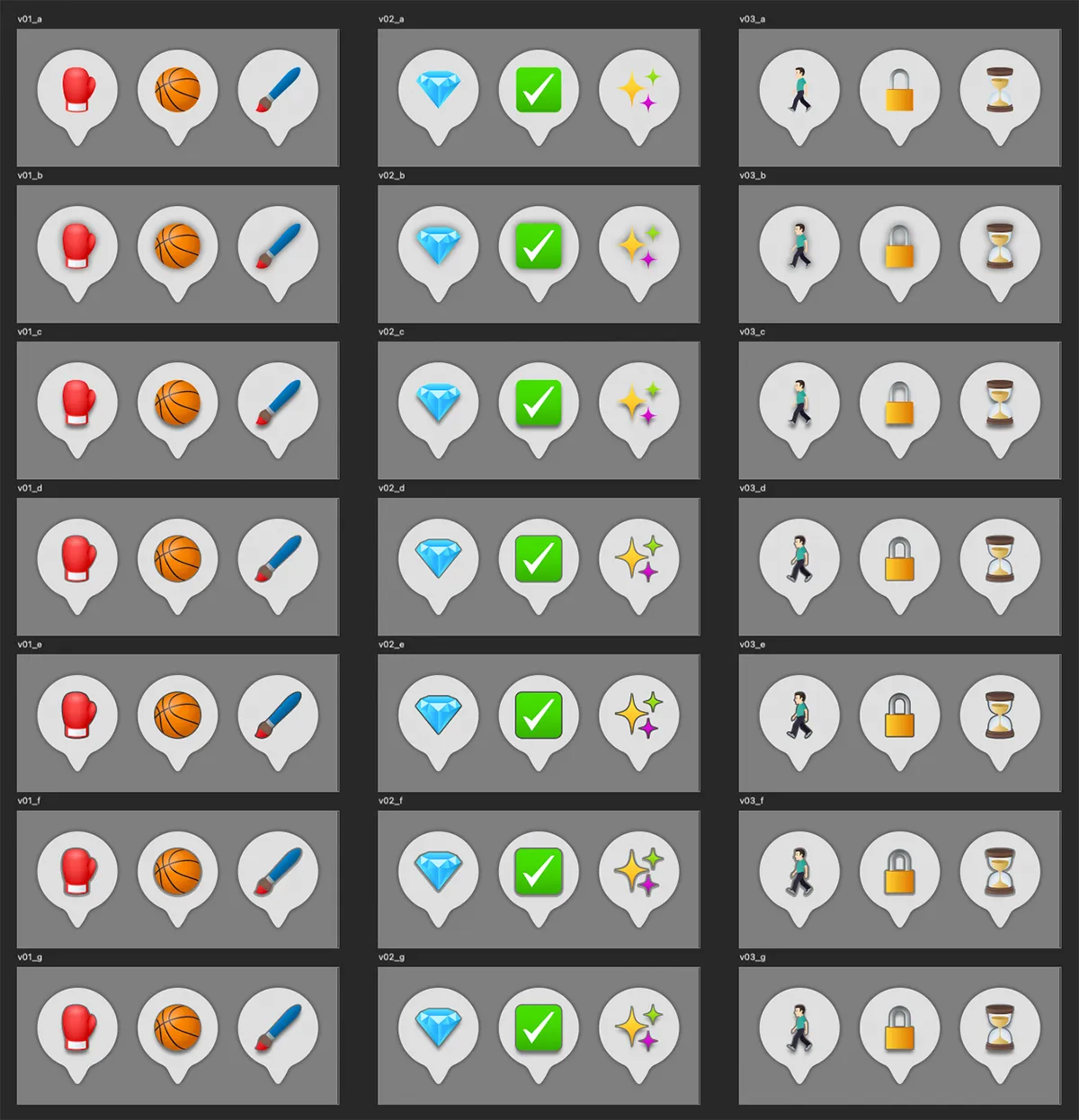
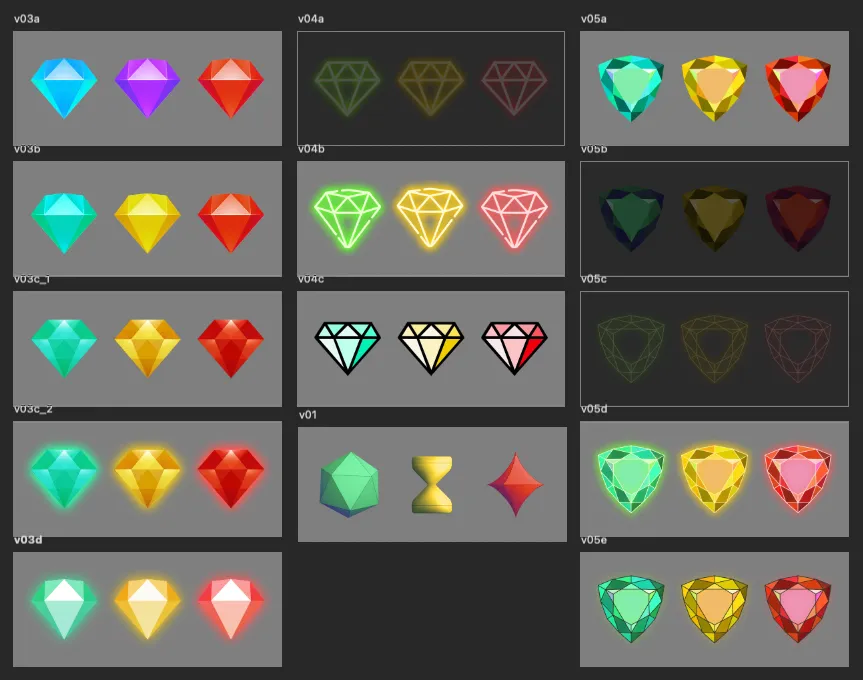
The following are some visual explorations for status icons used in the aforementioned interaction design. For instance n interactable basketball mini-game that P1 taps on and navigates to would initially be represented by a basketball, then a player in motion icon, while simultaneously for P2, and others, as an hourglass icon denoting a busy state.
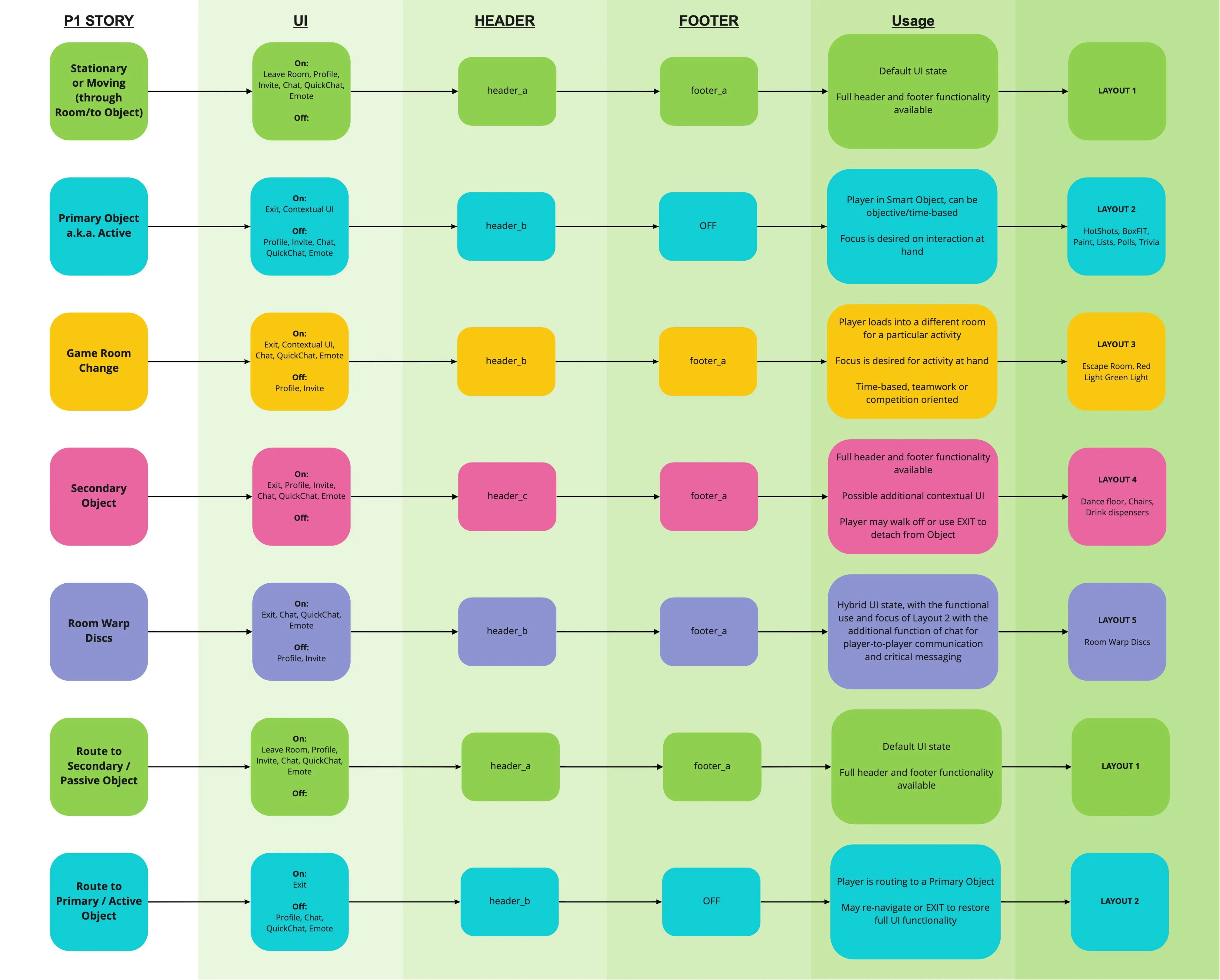
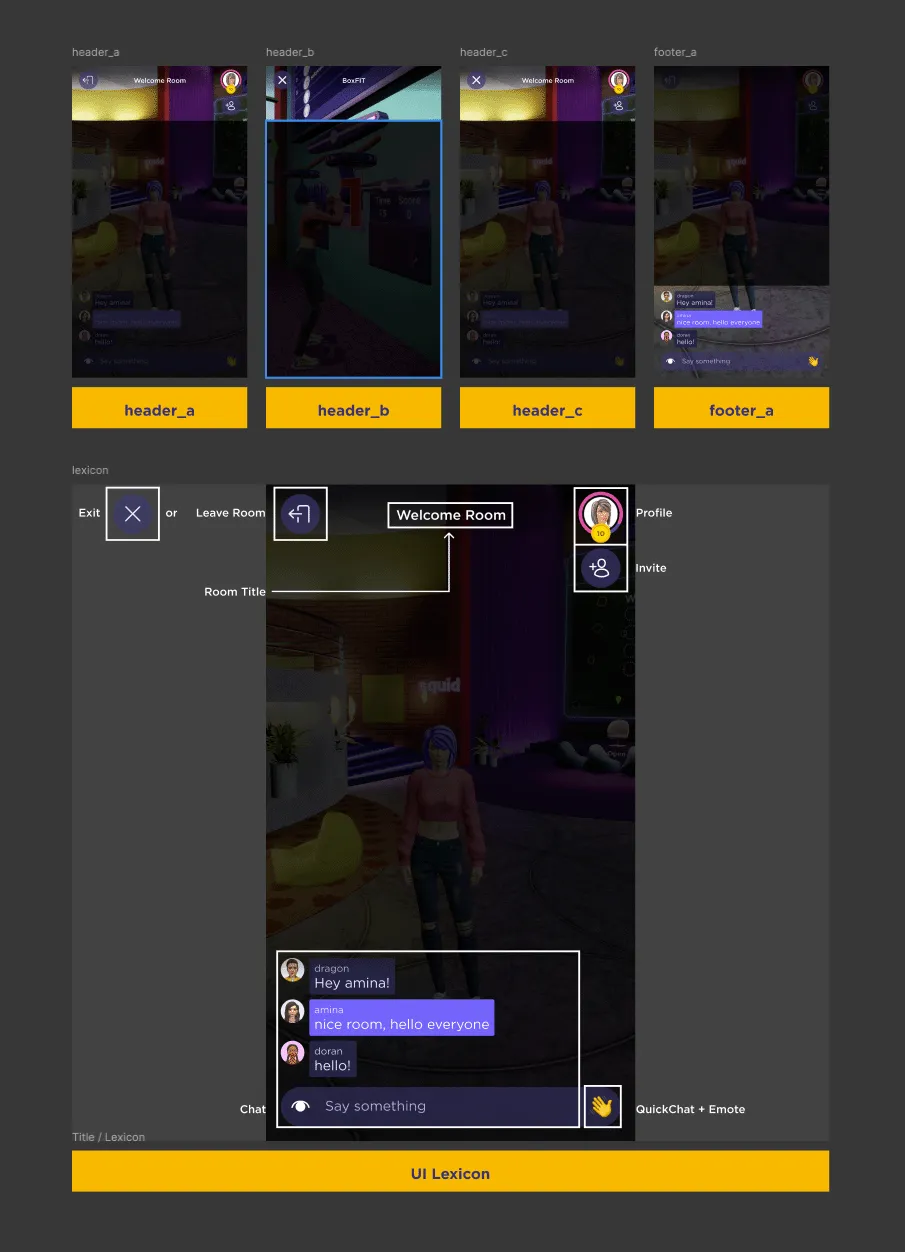
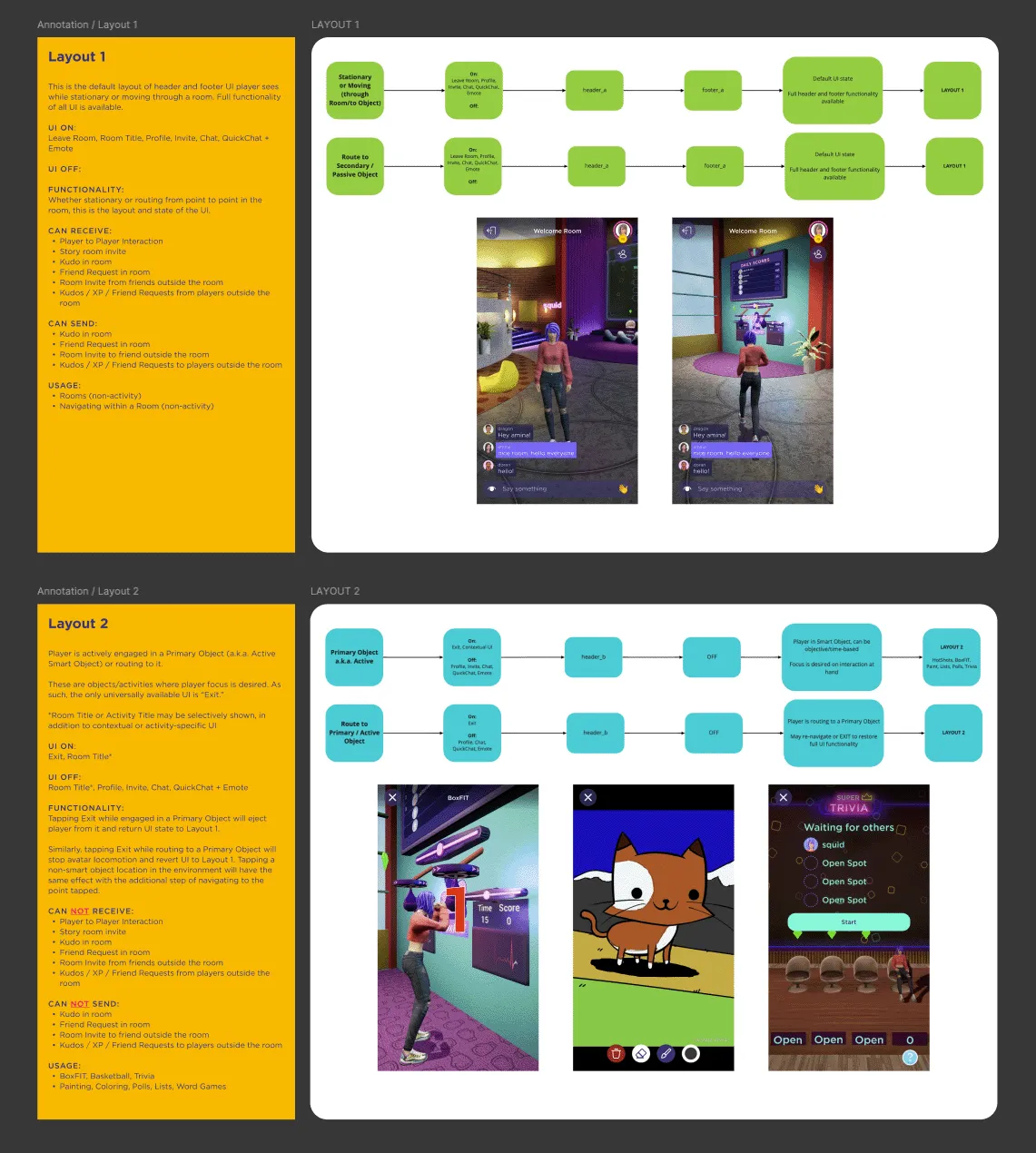
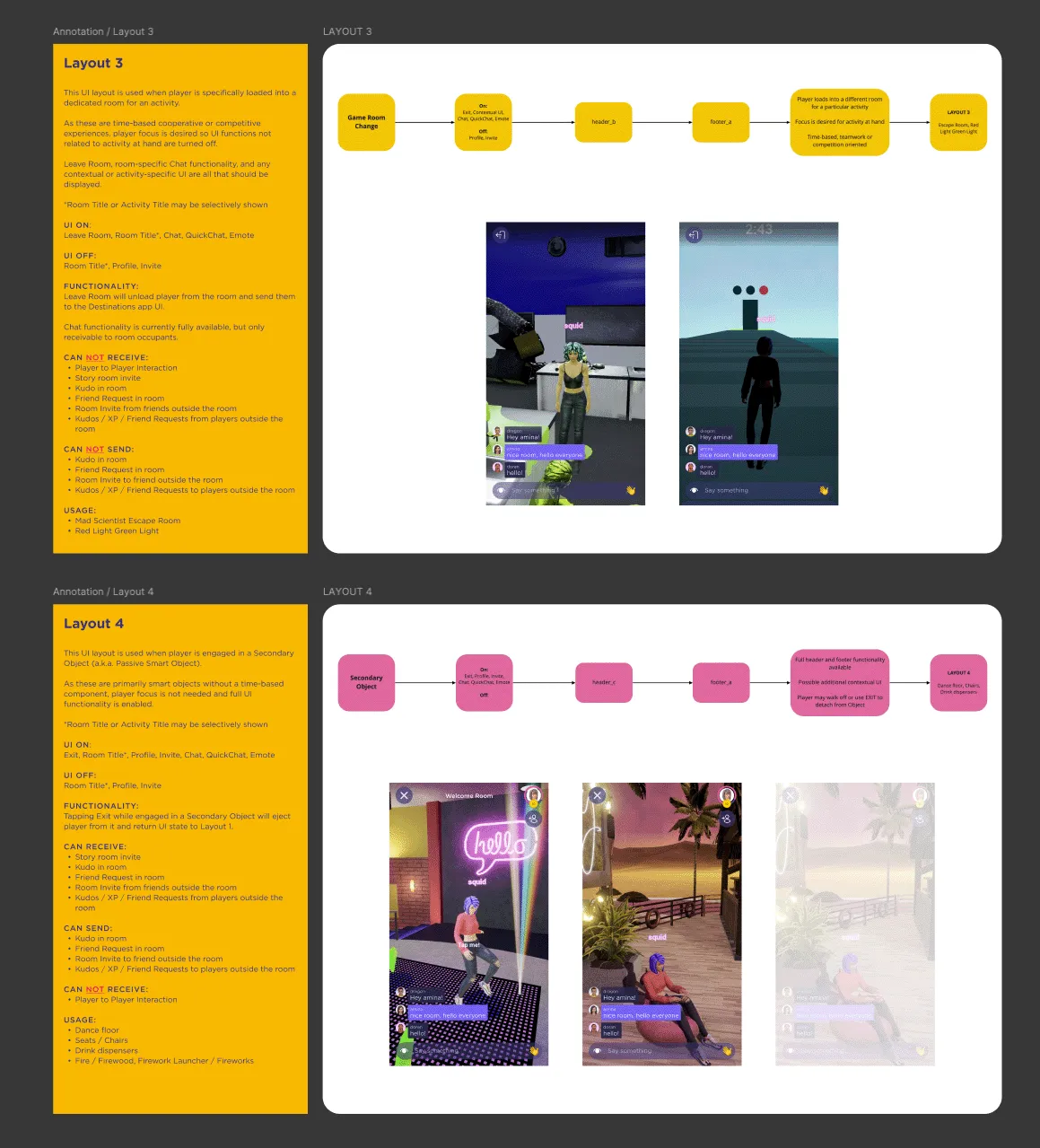
I also defined, enumerated, and designed different head-up display layouts based on all current in-app interactions available. These layouts would feature different configurations of header and footer UI along with other contextual interface design patterns.
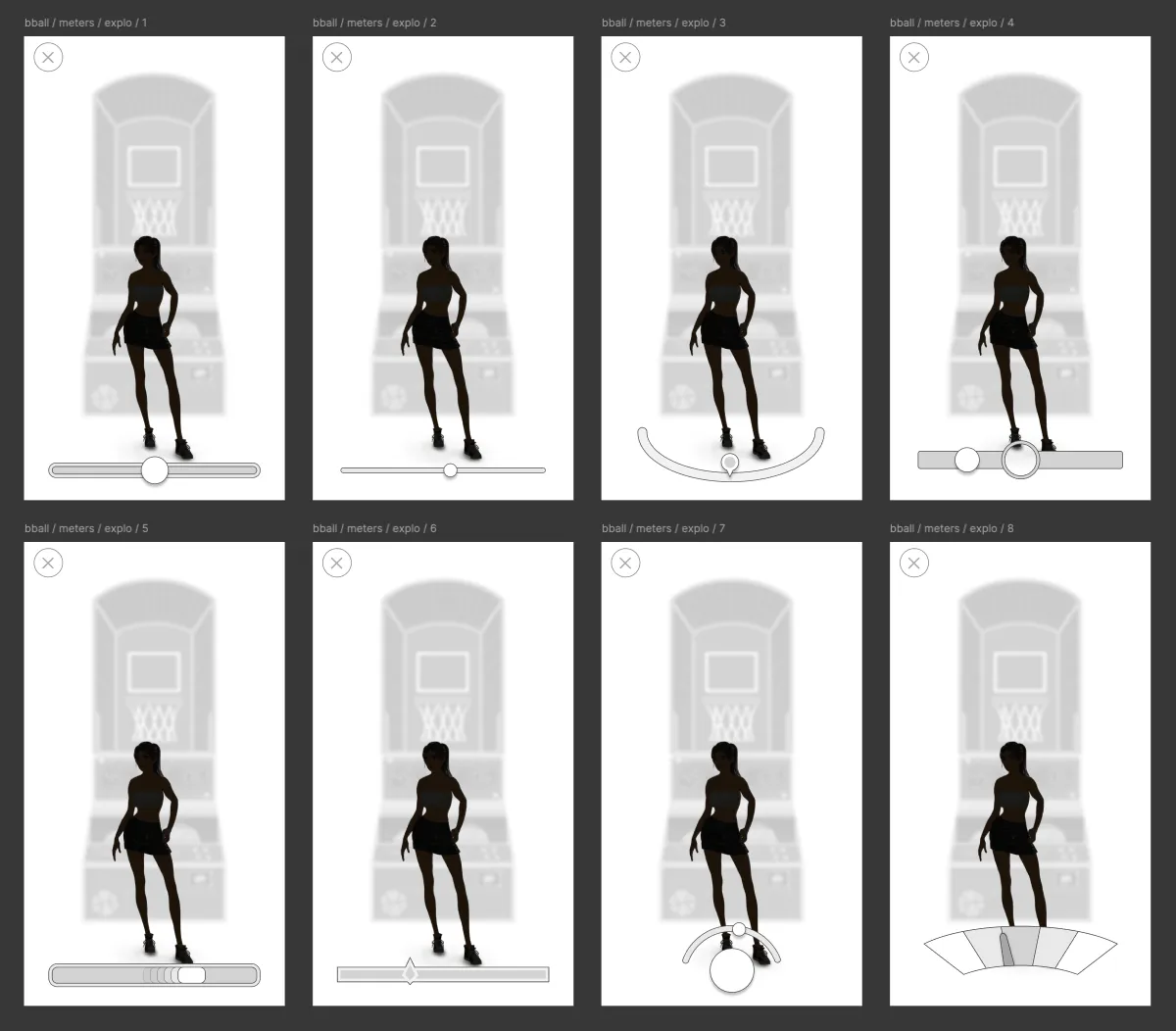
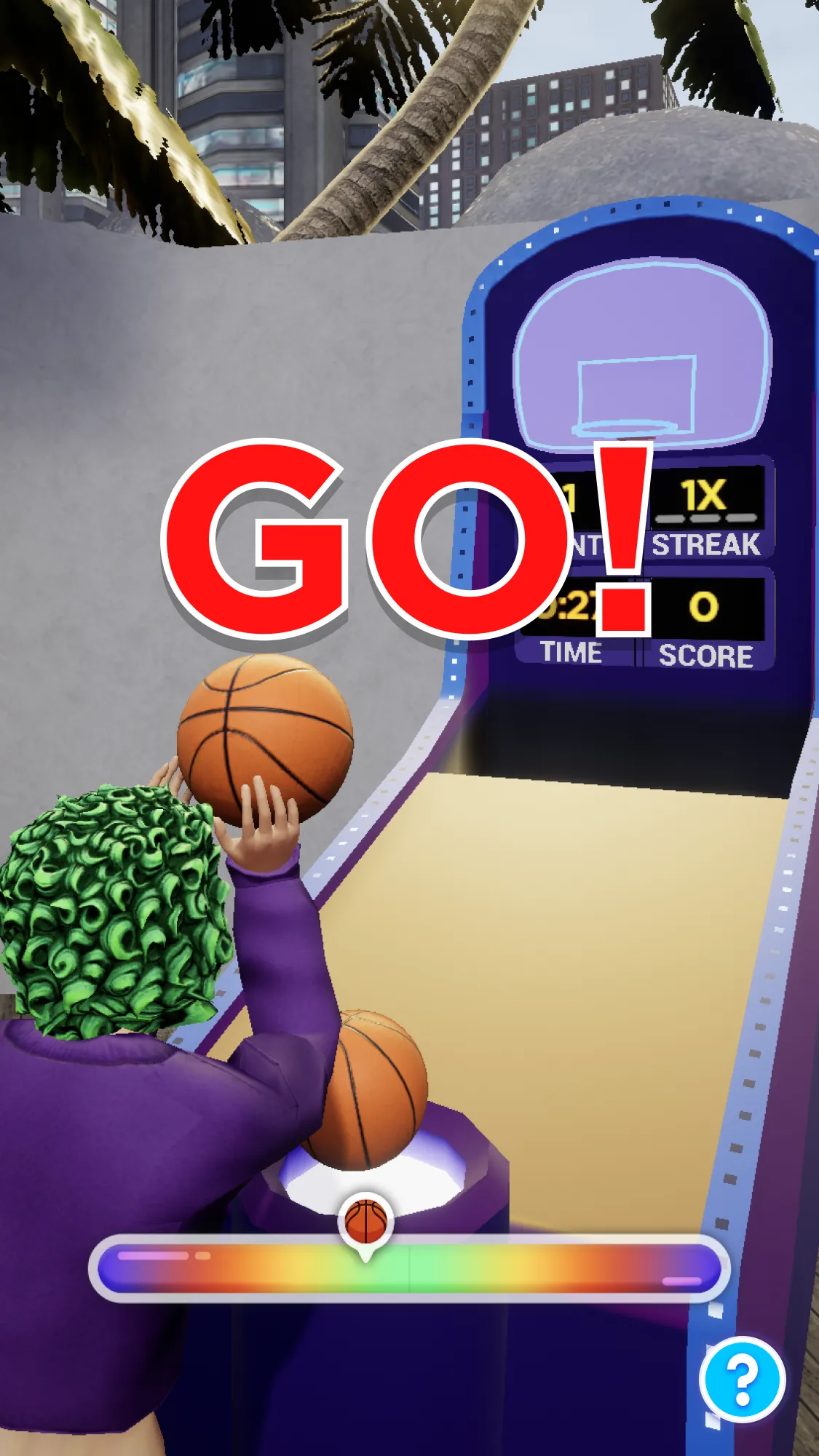
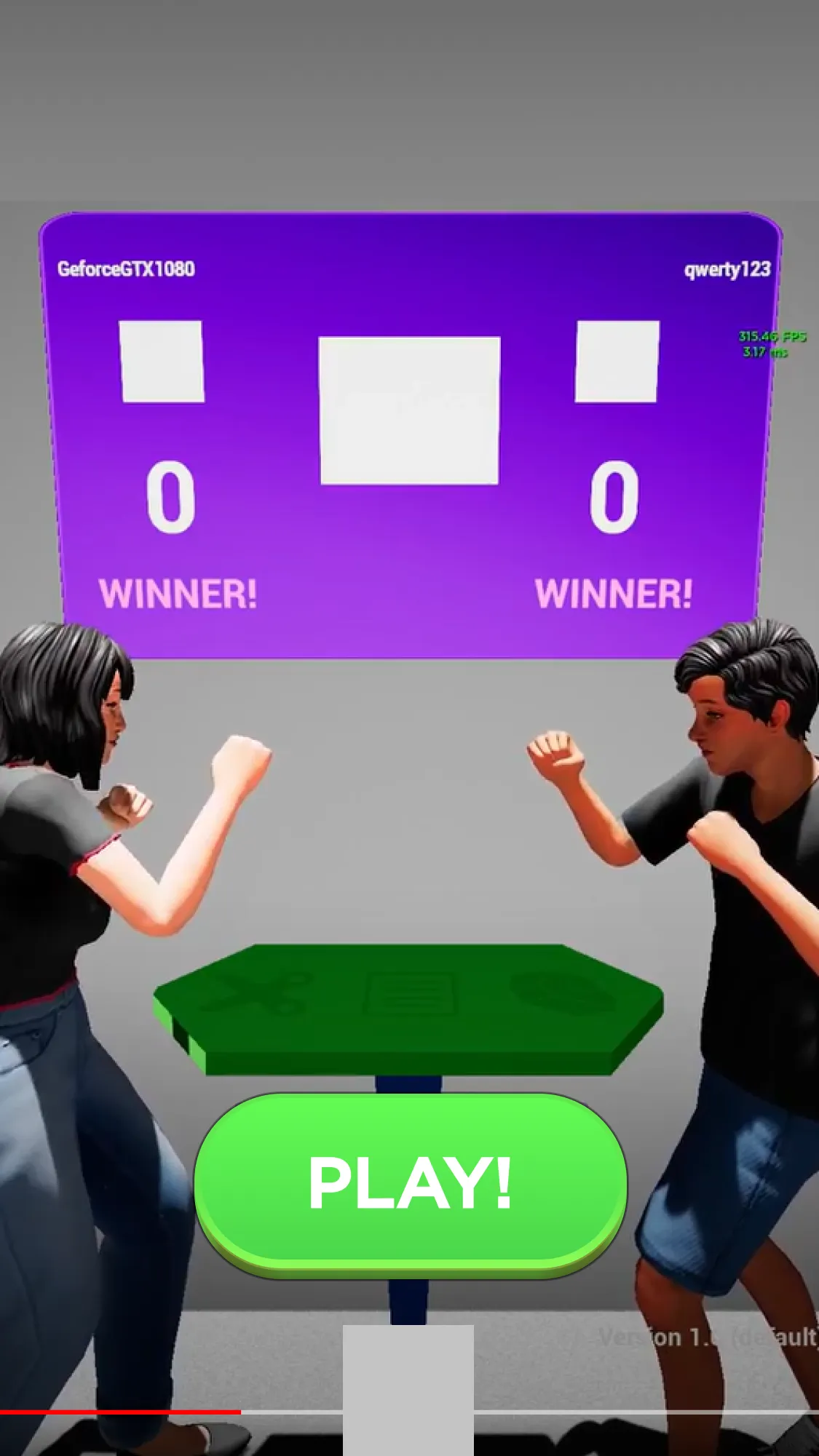
The following are a couple examples, among several, of Gameplay UX/UI I spearheaded including a single-player basketball arcade game called Hotshots and a two-player head to head Rock, Paper, Scissors game.
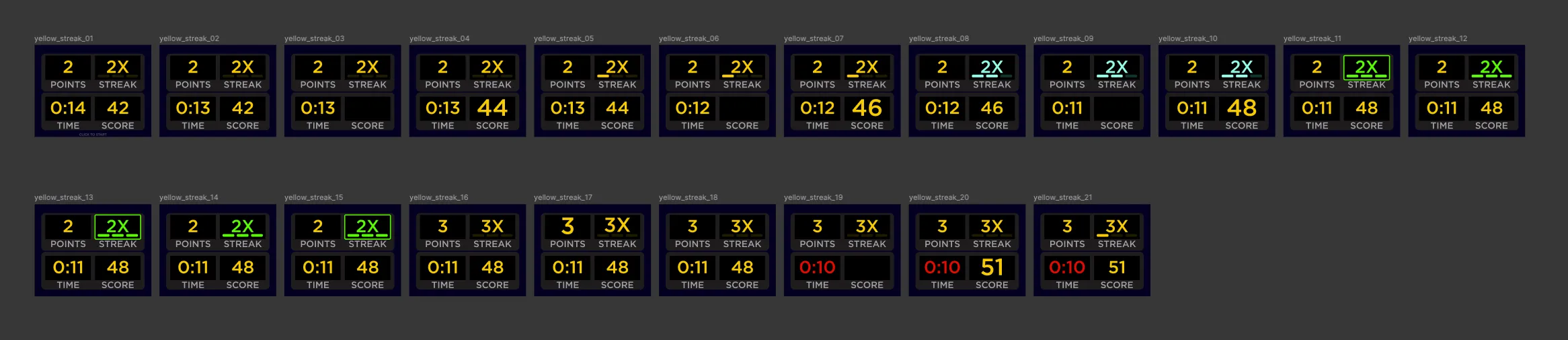
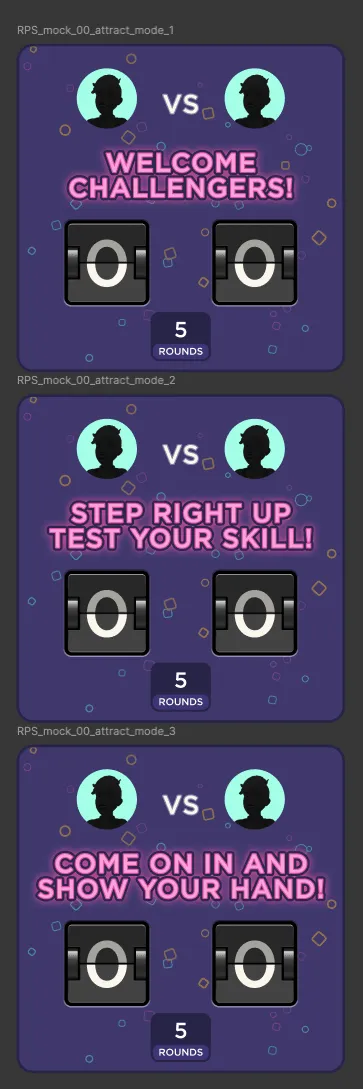
Rock, Paper, Scissors also needed its own game-specific UX/UI design. Particularly its scoreboard which would update live for the two-players involved, and any in-world spectators watching from afar.

Team Process Improvements
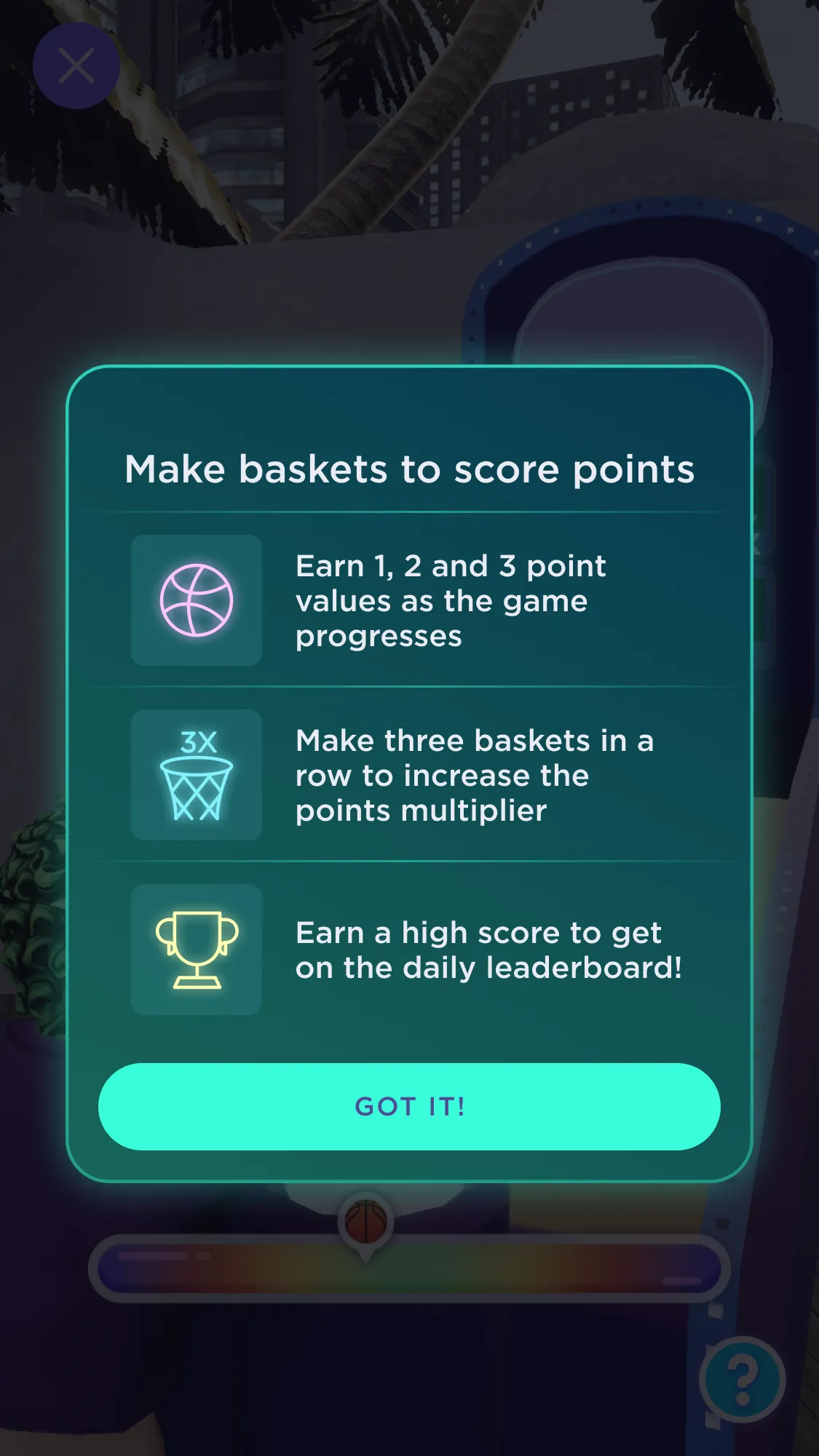
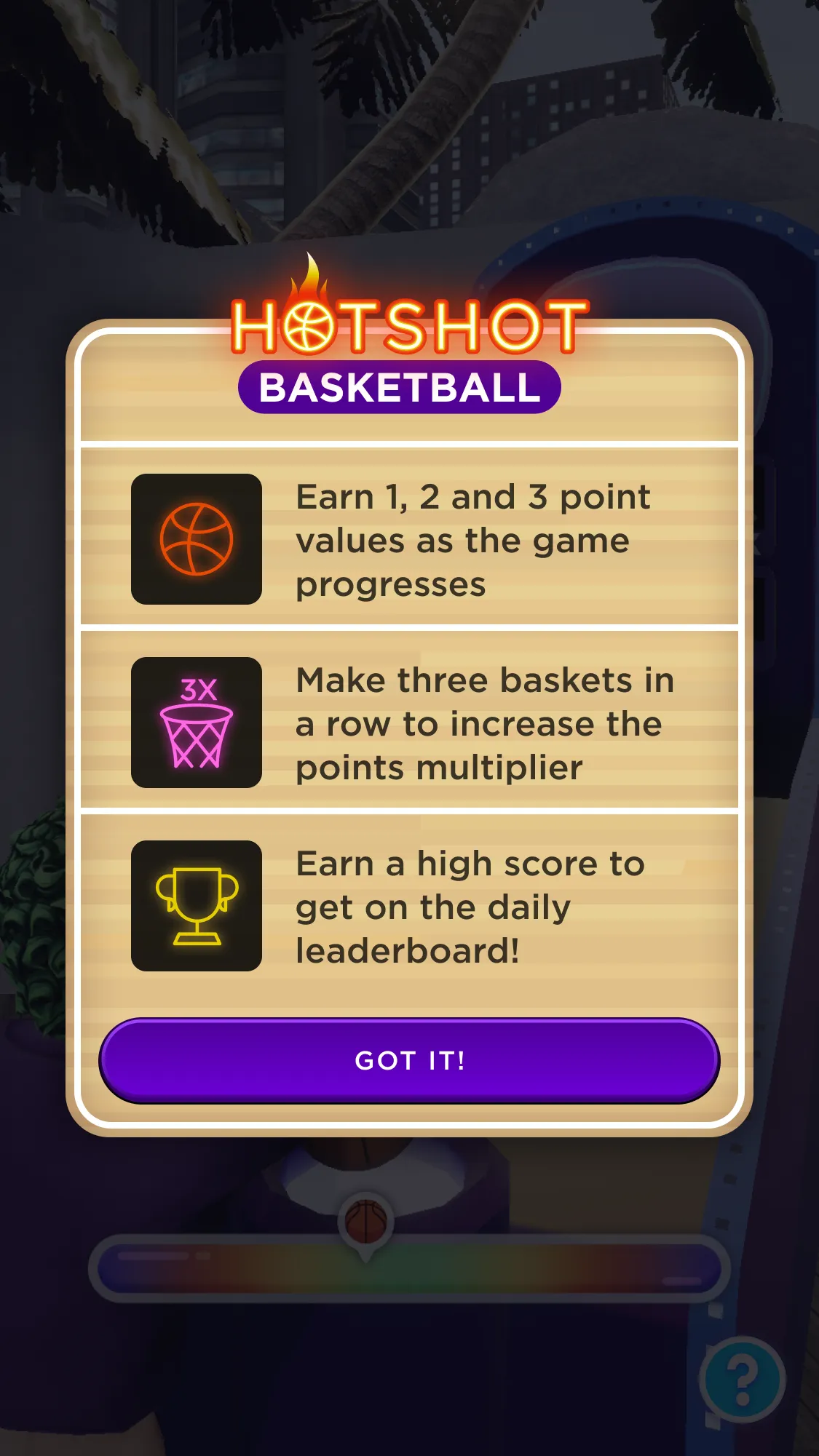
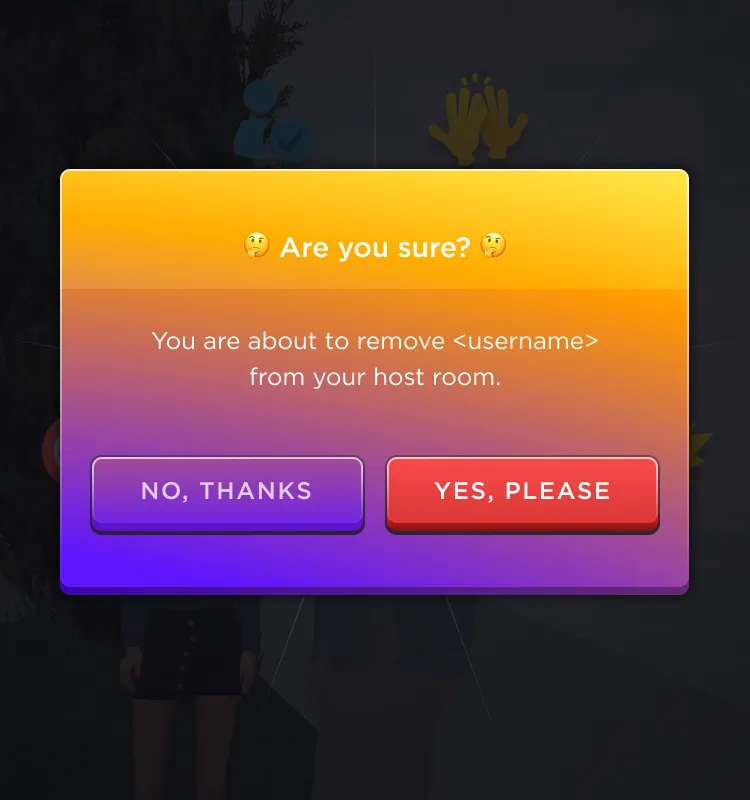
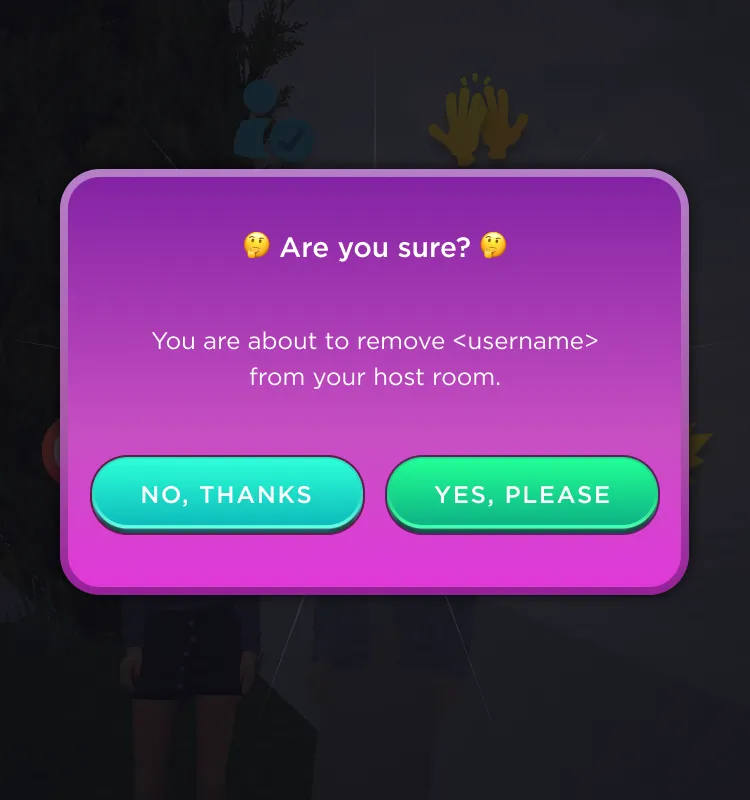
One of my key contributions during my time with the WithMe design team was the creation and implementation of a dynamically customizable UI modal widget in Unreal UMG. Prior to joining the team there was repeated use of a particular modal that was used to explain or instruct on various games and app functions, however the process involved in its re-use was duplicating the widget and manually changing out every aspect of it depending on content and purpose. For instance, you can see below the original design for this UI to instruct players on how to play the basketball mini-game.
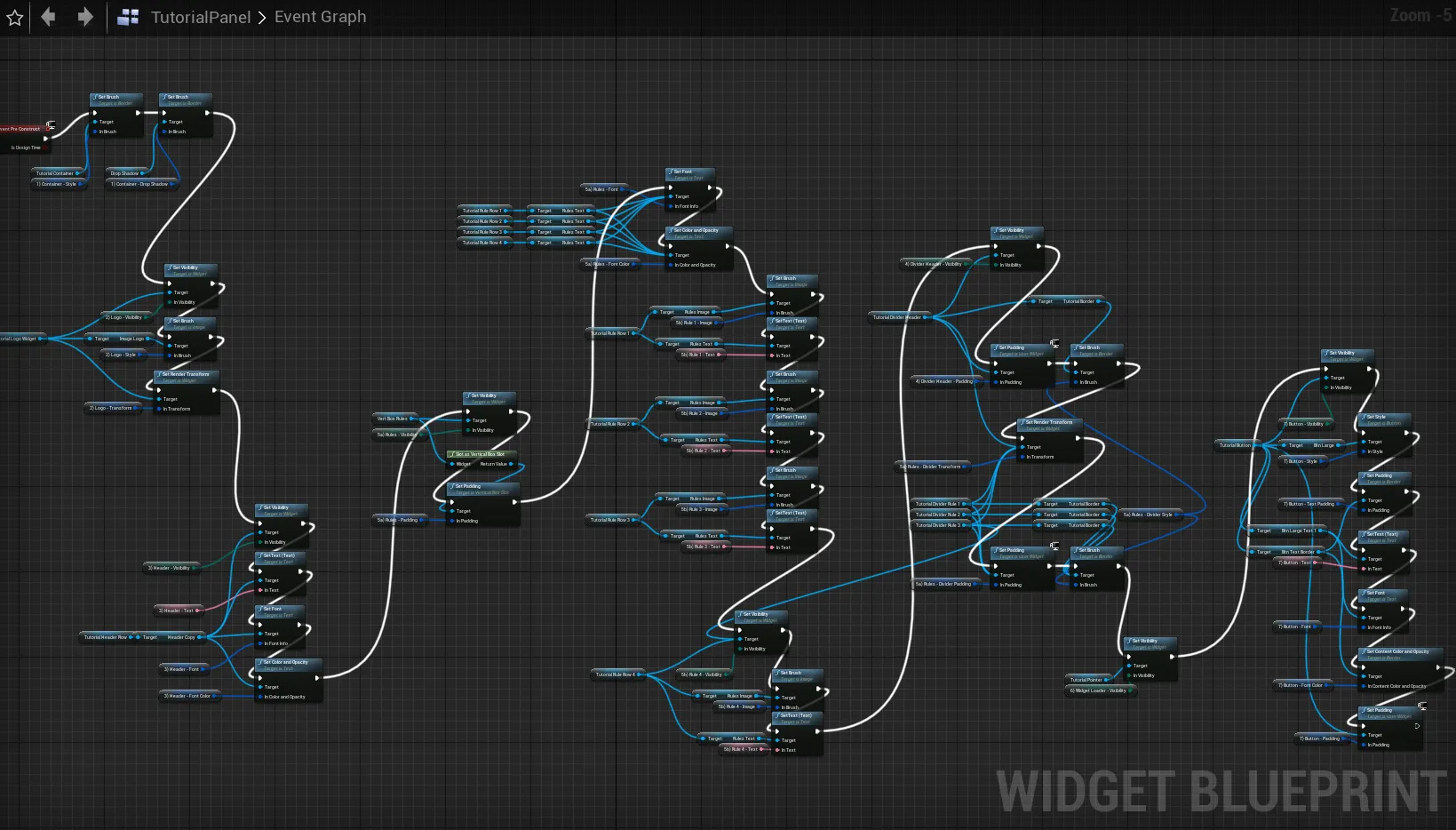
After a bit of time in the widget blueprints, I identified and made modifiable within UMG editor all aspects that a designer may want to: show or hide, tint a given color, theme with different bitmap assets, add rows and horizontal rules that are all adjustable for size and color, adjust spacing of content, all while having the UI adjust responsively to the amount of content needed.
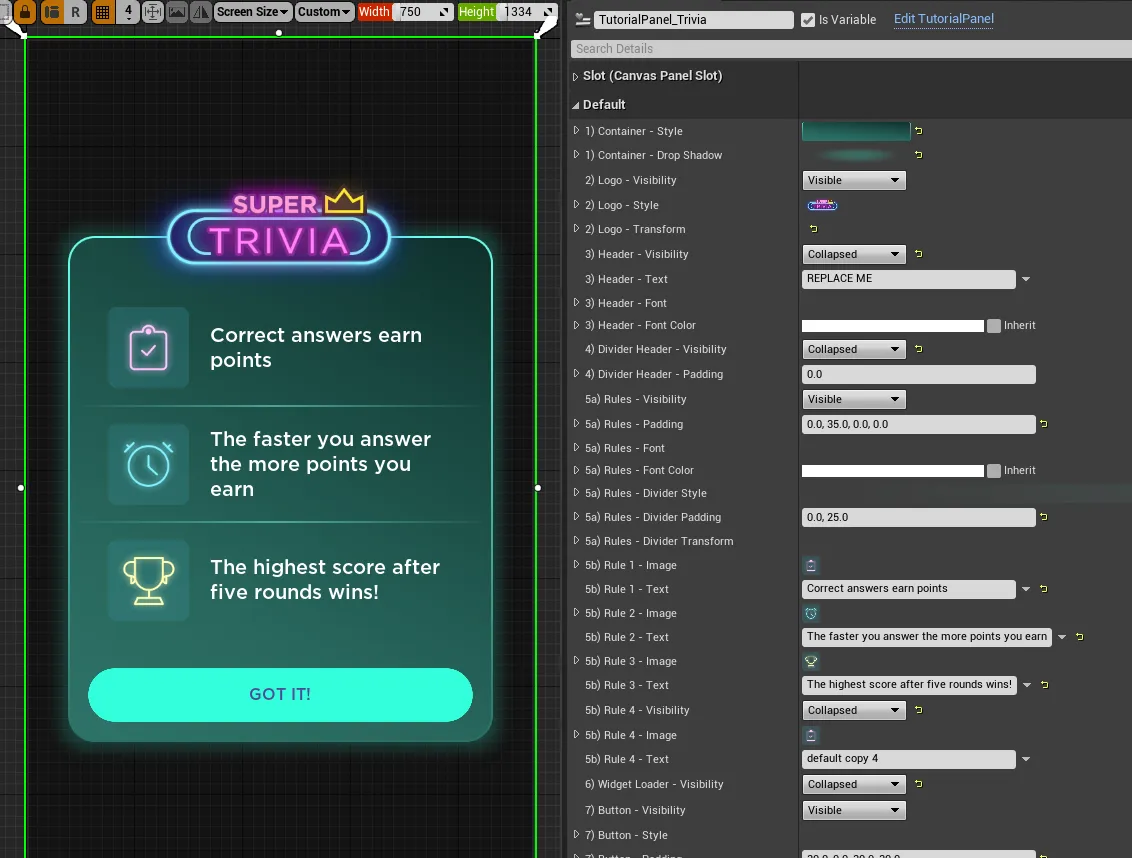
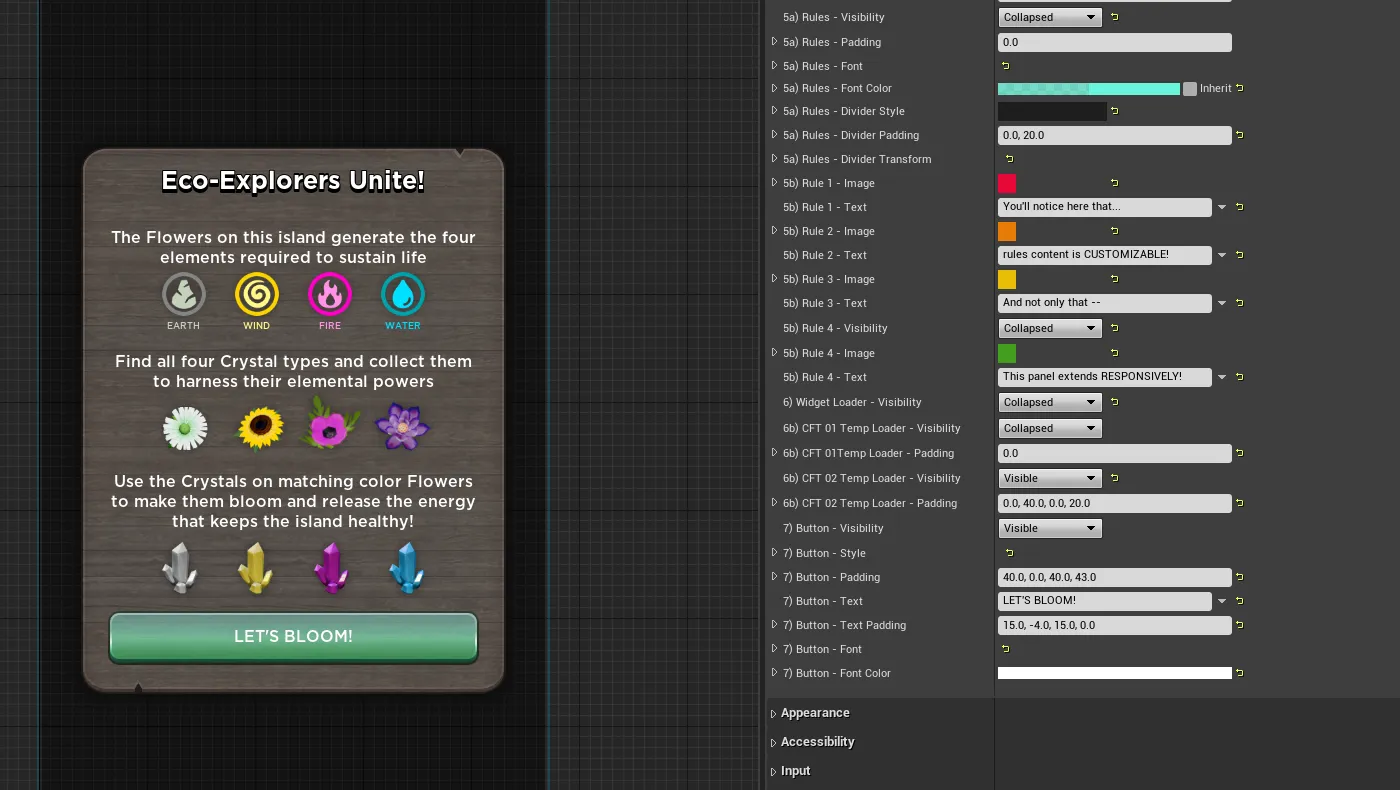
Another unexpected benefit in preparing this widget, was it allowed engineers to quickly stand-up new UI without waiting on a fully designed asset from the design team. And from there, it was a much easier task for a designer to revisit to make sure established convention and style was maintained.
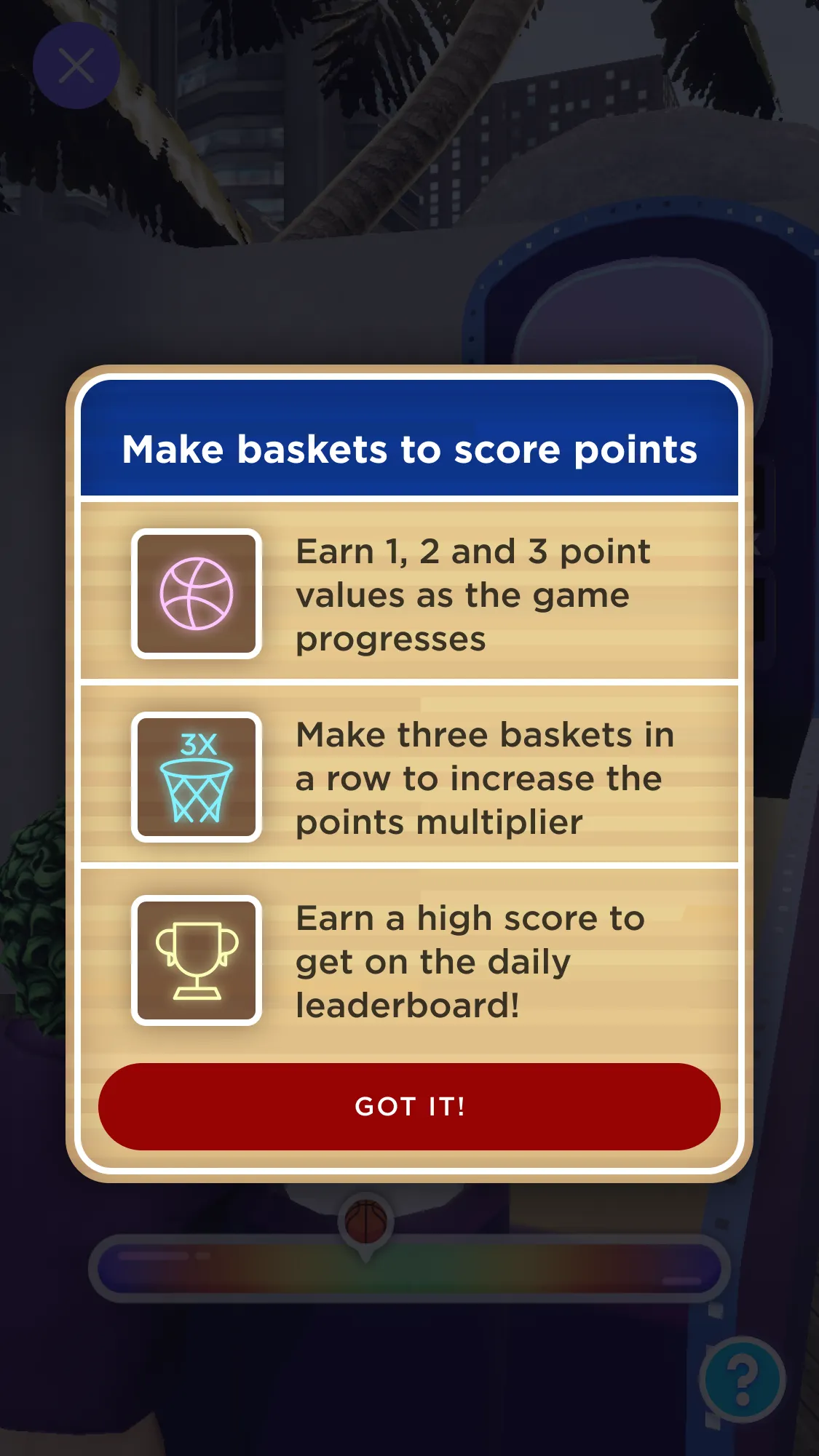
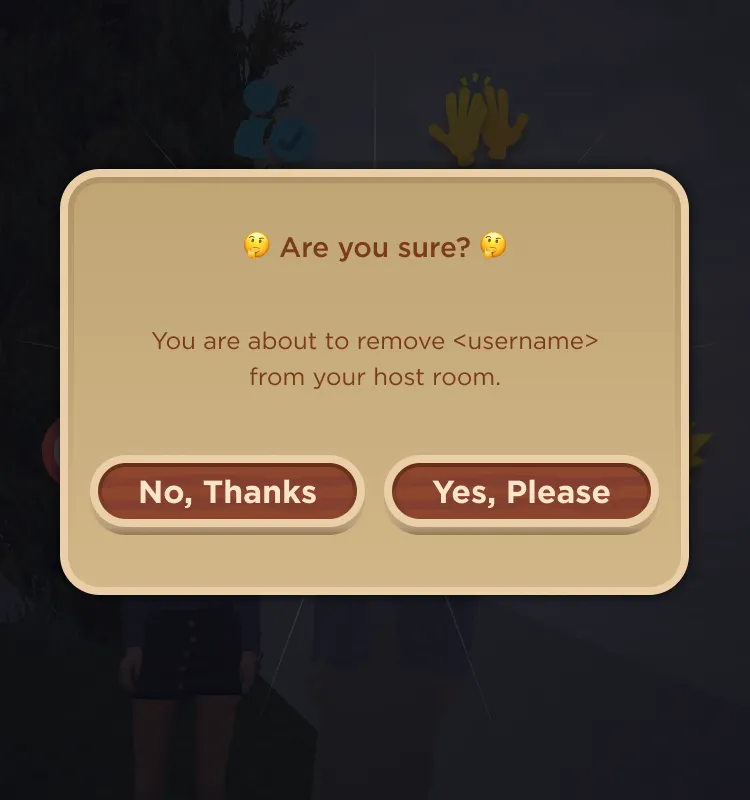
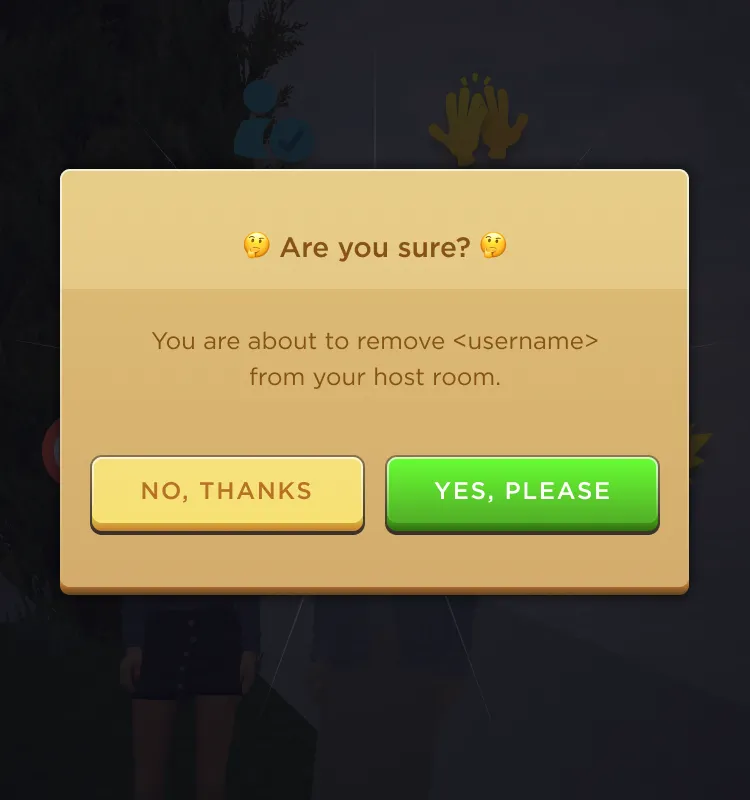
Below you can see a series of different UI that demonstrate the flexibility of the adjustable widget in terms of: type of content, formatting, and theming and styling.
Visual and Motion Design
This brings us to the final piece of the UI design, art and motion design. Easy wins were exploration of existing UI and re-skinning for feel and uses depending on various Platform or Gameplay needs.
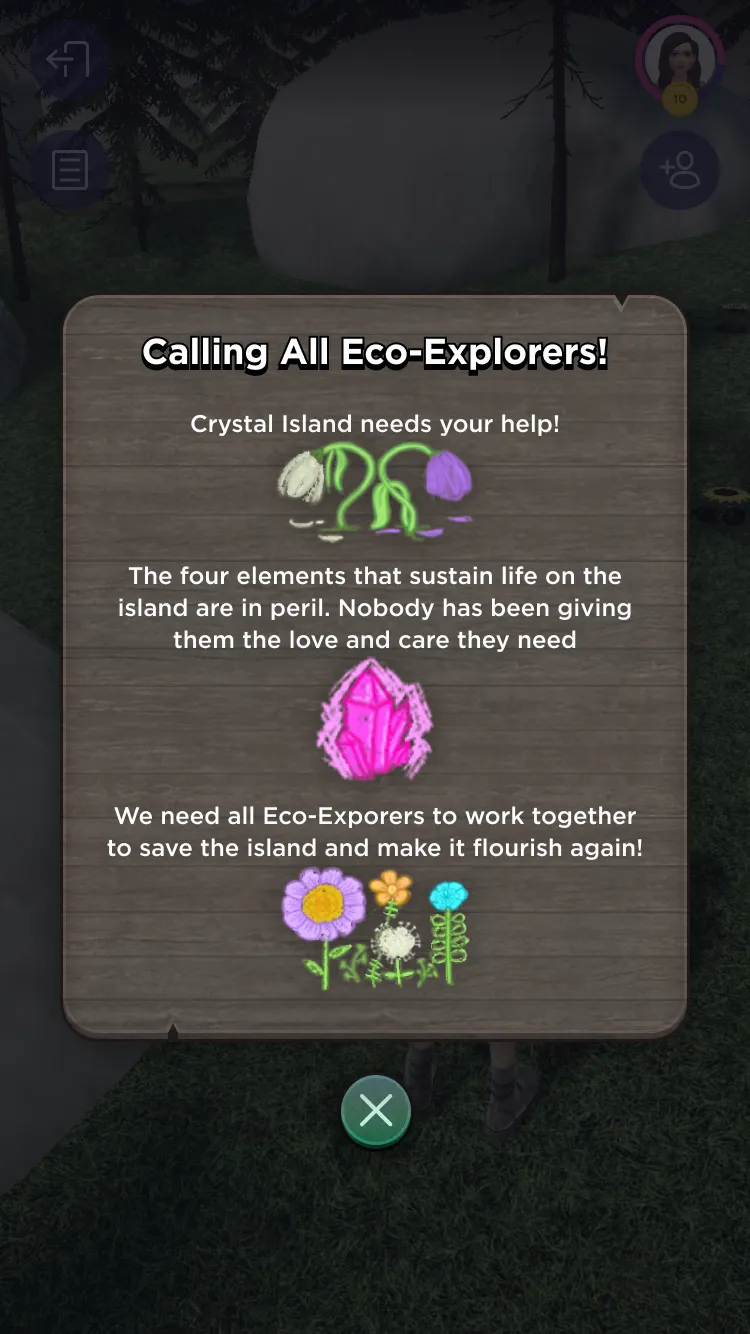
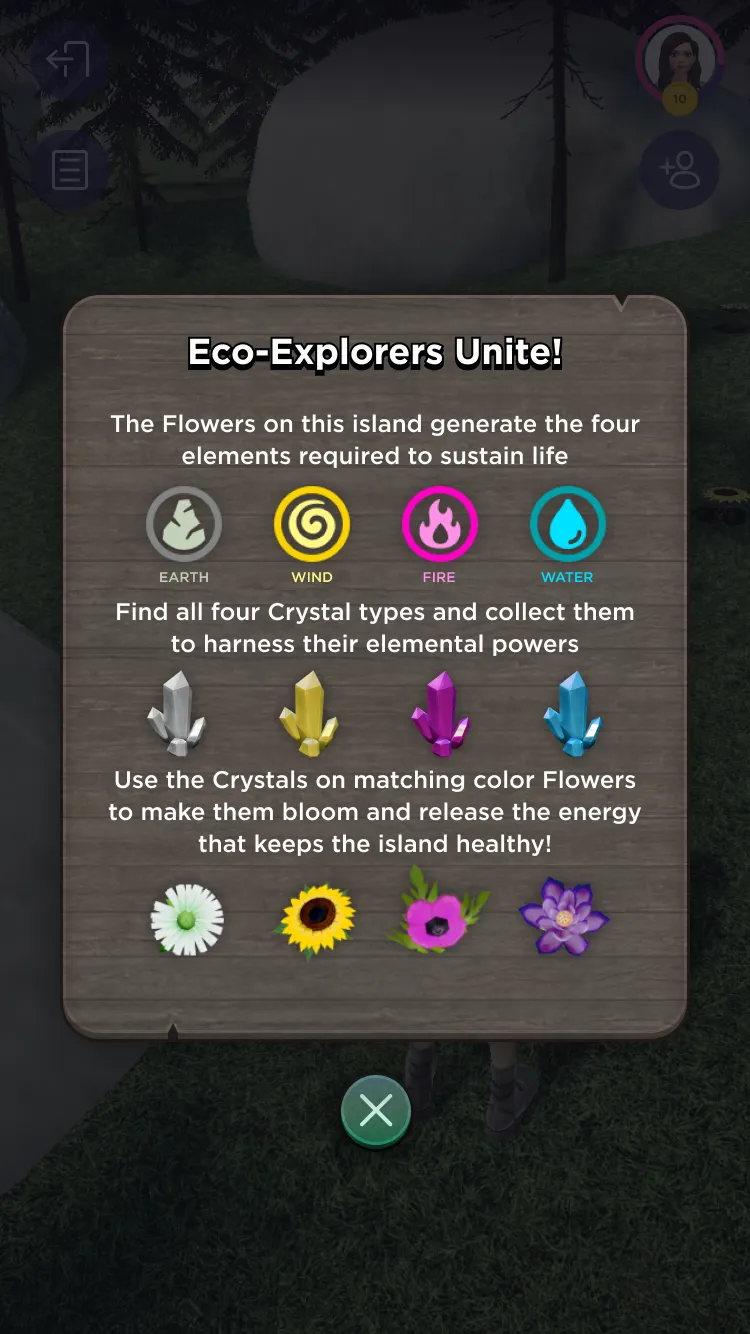
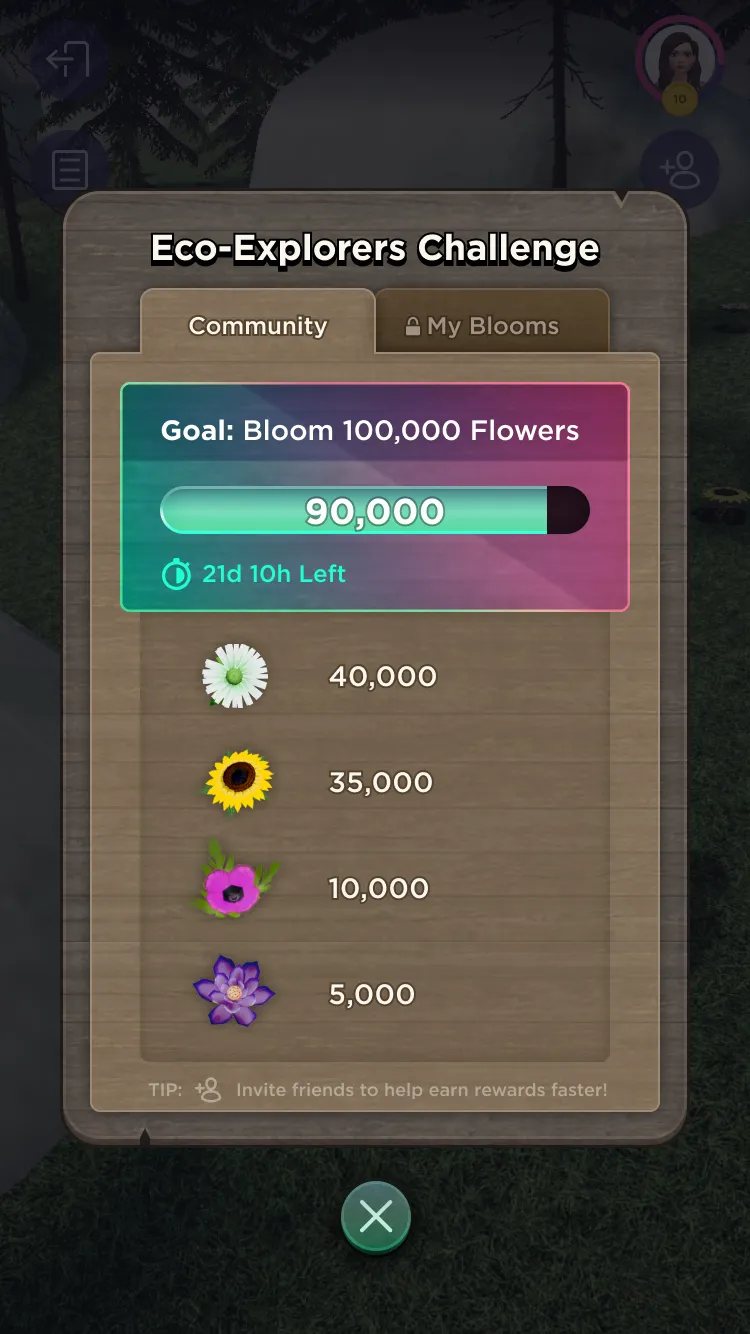
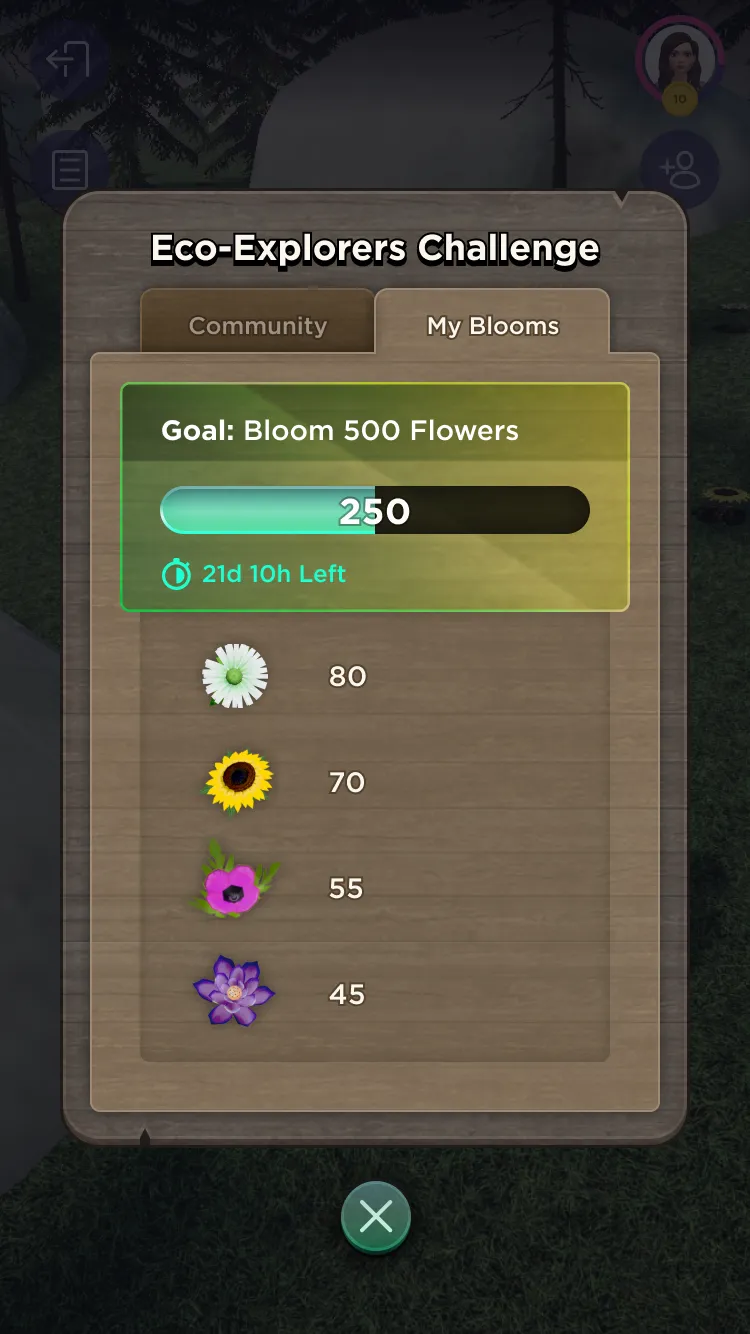
And of course there’s also design and art for mini-game specific UI, like these examples below for the multiplayer community-centered collection game Crystal Flower Trail.
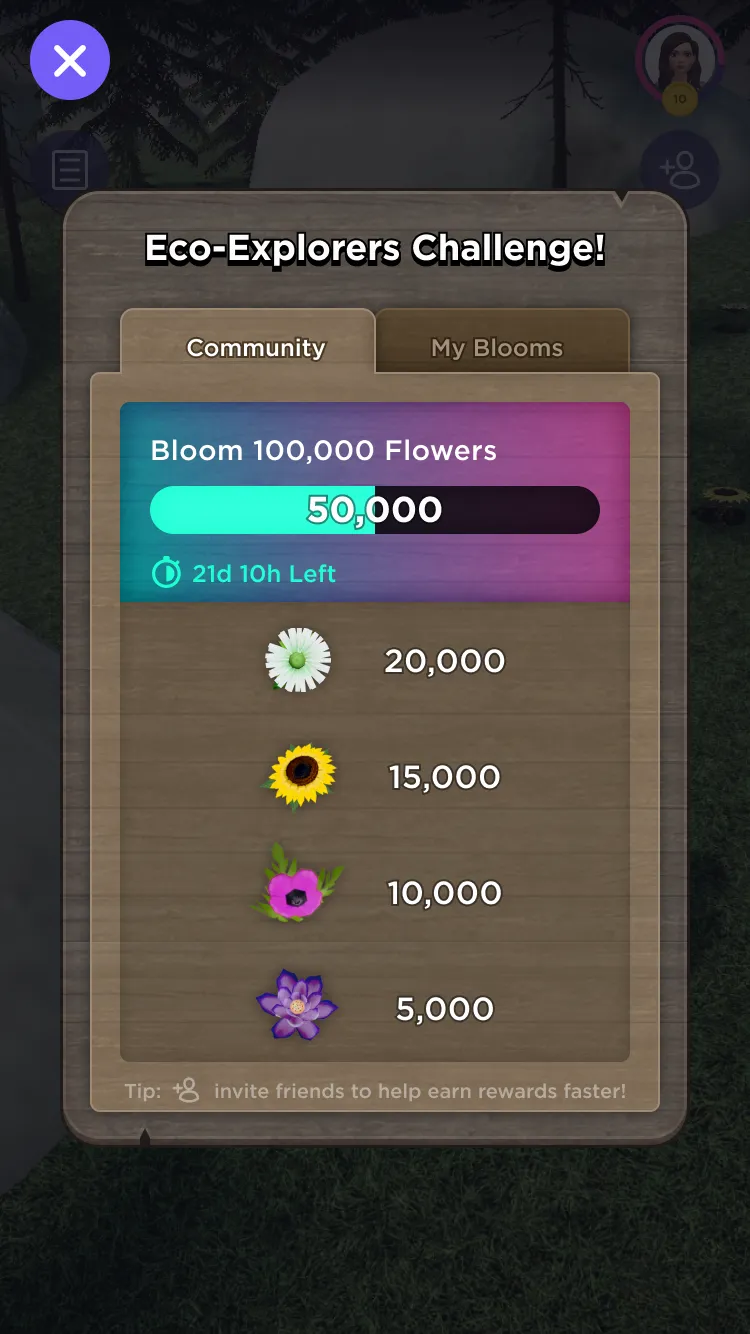
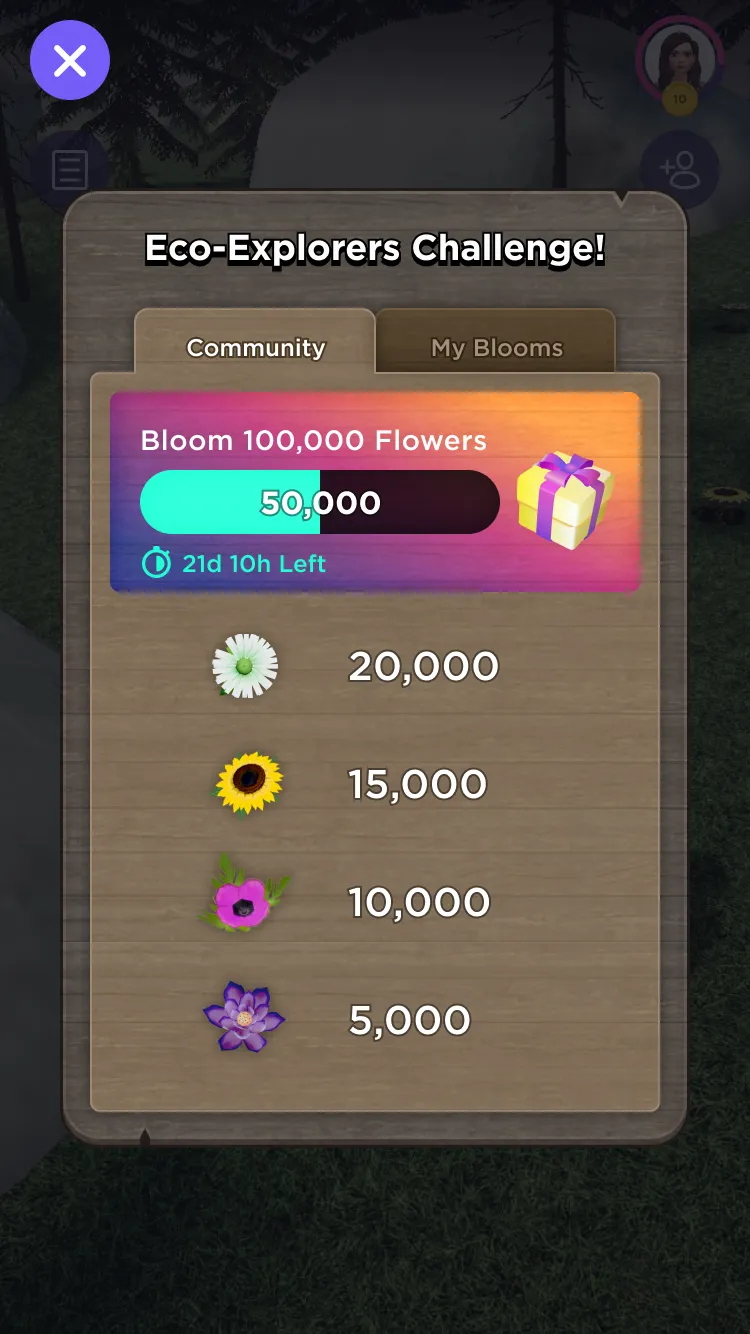
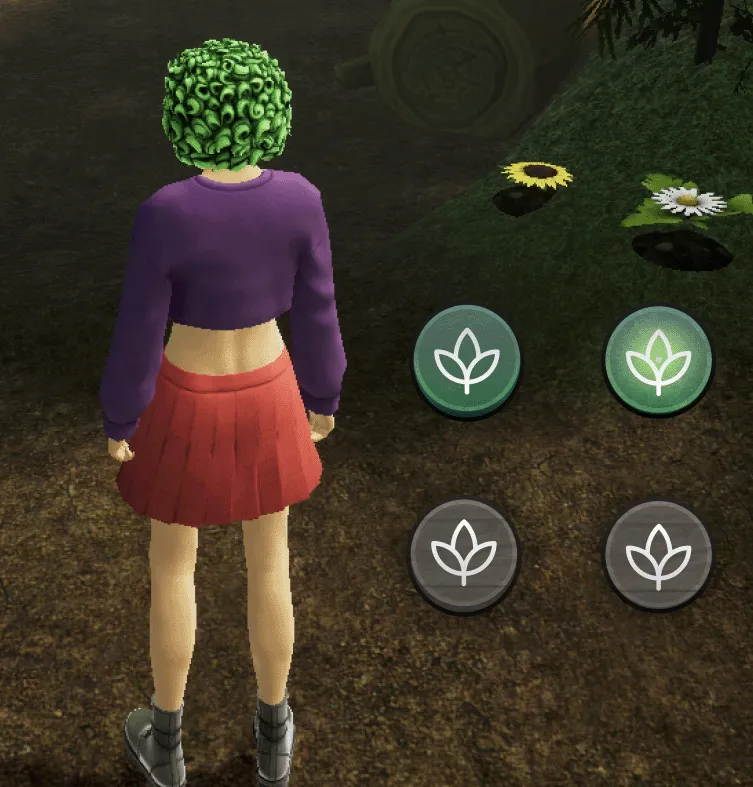
Rounding out my contributions and responsibilities were designing, prototyping, and implementing motion design and animations for various informational, user feedback, and beautification purposes. Below are some examples of motion to convey game start, point values, positive gameplay feedback, as well as a series of animated cursors and UI demonstrating different states and actions.

It was a great learning experience to join the project from pre-production to open-beta launch and to deliver observable, playable games and experiences to elicit real player feedback. Unfortunately, it was also around this time that Together Labs decided to completely change their strategy and divest from and cancel/back-burner WithMe. Too bad, but so go the whims of Silicon Valley I suppose.